In this article
SurveyMonkey was not built for you. It was built for a corporate research team asking ten thousand people the same question every quarter, with a recurring budget line to match. If you need five honest answers before you spend a weekend building anything, you do not need a market-research platform. You need a form that gets out of your way.
A validation survey has one job: ask 5 to 10 questions, send it to 20 to 50 people who match your target customer, and read the pattern in the answers. That is a different task from ongoing brand-tracking research, and it does not need the tool built for that task.
SurveyMonkey’s free Basic plan caps how many responses you can actually view per survey. Once you need to see every response or send more than one survey, you are pushed toward the Standard or Team plans, priced for a team running research on a schedule, not a solo founder testing one idea once. The paid Team Advantage tier, built for three or more users, caps out at 50,000 responses a year, according to SurveyMonkey’s pricing page (fetched September 2026). You will never get close to that ceiling with a validation survey. You are paying for a scale you do not need.
This guide compares four SurveyMonkey alternatives solopreneurs actually use for this specific job: Google Forms, Typeform, Tally, and Jotform. None of them are ranked as the best survey tool in general. They are ranked for one narrow use case: finding out if an idea is worth building, before you write a line of code. If you have not run a structured evaluation of the idea itself yet, start with the idea validation scorecard. The tool you send the survey in matters less than whether you are asking the right questions.
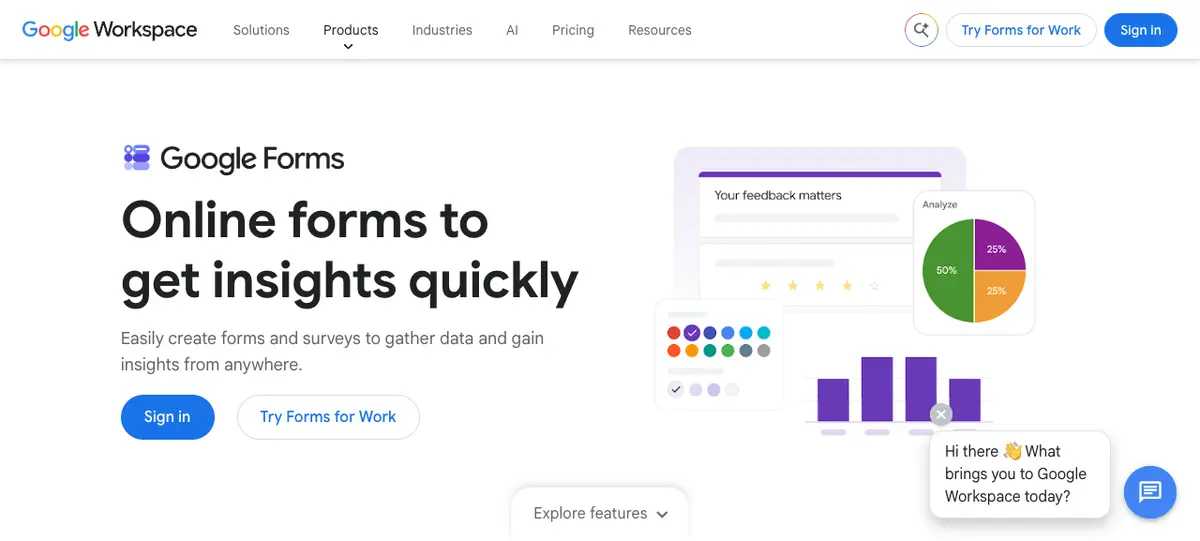
Google Forms: The Zero-Cost Default
Google Forms is the tool most solopreneurs reach for first, and for a validation survey, that instinct is usually right. It is free with any Google account, does not publish a response cap tied to a pricing tier, and writes every response straight into a Google Sheet you can filter and sort without exporting anything.
The tradeoff is visual polish. Forms looks like a form, not a branded experience. For a validation survey, that is rarely a problem. You are not trying to impress the respondent. You are trying to get an honest answer from someone who has ninety seconds to give it to you. A plain form with a clear question often gets a more honest answer than a beautifully designed one, because the respondent is not being sold anything.
Where Forms falls short: branching logic is basic compared to Typeform or Jotform, and there is no native way to accept a payment inside the form itself. If your validation test includes a pre-sale question (“would you pay $29 for this, click here to reserve it”), you will need a separate tool for that step. For question wording and where to find respondents, see our full guide to using Google Forms to validate a product idea.
Who this is for: Anyone running their first validation survey who wants zero cost and zero setup friction, and does not need payment collection built into the form.
Typeform: One Question at a Time, Built for Completion
Typeform shows one question per screen instead of a full page of fields. For a validation survey sent to cold traffic (strangers in a Reddit thread or a forum, not your existing audience), that format tends to produce a higher completion rate, because the respondent is not scared off by a long form loading all at once.
The free plan includes 100 responses a month for one user, unlimited typeforms, unlimited questions, AI-assisted form creation, conditional logic, and webhook integrations, according to Typeform’s pricing page (fetched September 2026). For a single validation survey aimed at 20 to 50 respondents, that free allowance is enough to run the test without paying anything. Paid tiers scale up from there based on monthly response volume, team seats, and features like branding removal and drop-off analytics, and can run into hundreds of dollars a month at the higher tiers, per the same pricing page.
The conversational format is also the thing to watch. It works well for open-ended, story-style questions (“tell me about the last time you tried to solve this problem”). It works less well if you need someone to scan five multiple-choice options at a glance, because each option can take an extra tap to compare.
Who this is for: Solopreneurs testing a survey with cold, unfamiliar traffic where completion rate matters more than raw question density.
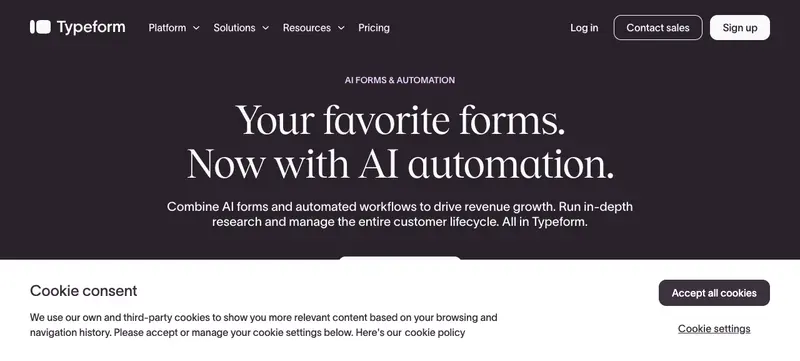
Tally: No Response Cap on the Free Plan
Tally’s entire pitch is that its free plan has no response or form limit within a stated fair-use policy, according to Tally’s pricing page (fetched September 2026). Unlike Google Forms or Typeform, you are not counting responses against a monthly ceiling. For a validation survey where you genuinely do not know if you will get 15 responses or 150, that removes one variable to think about.
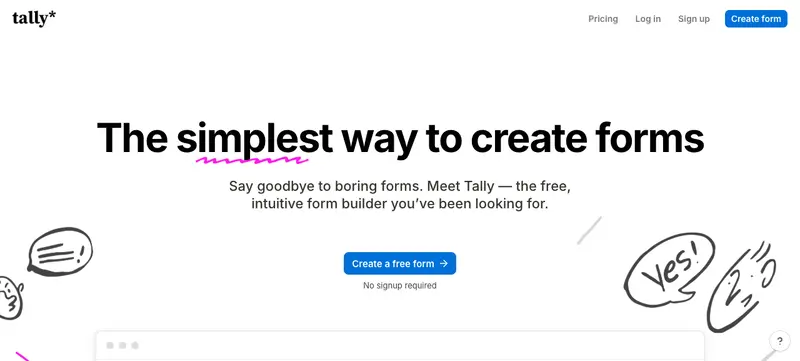
The free plan includes conditional logic, file uploads, payment collection, e-signatures, and integrations with Google Sheets, Airtable, and Zapier. The tradeoff is Tally branding on your form and no custom domain. The Pro plan, at $24 a month according to the same pricing page, removes the branding and adds a custom domain and advanced customization. The Business plan is $74 a month and adds data-retention controls and longer version history, aimed at teams past the validation stage.
For a solo founder running a single validation survey, the free plan alone covers the workflow end to end, including the payment-collection field if your test includes a “would you actually pay for this” pre-sale question.
Who this is for: Anyone who does not want to think about a response ceiling, or who wants payment collection and conditional logic without upgrading.
Jotform: When the Survey Needs to Collect a Payment or a Signature
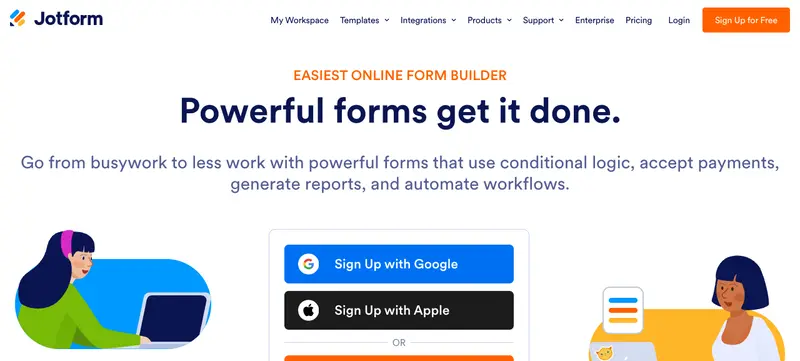
Jotform’s free Starter plan includes the core form builder, templates, and payment integrations, but keeps Jotform branding on your form and caps your monthly submission and form-view allowance, according to Jotform’s pricing FAQ (fetched September 2026). Paid plans, named Bronze, Silver, and Gold, raise those limits and remove the branding as you move up.
What makes Jotform worth a look for validation specifically: payment integrations, e-signature collection, and conditional logic all ship on the free tier, in the same form. If your test is not just “does this problem resonate” but “will you put a card down to reserve early access,” Jotform lets you ask the demand question and collect the pre-sale signal in a single form, without stitching together a survey tool and a separate payment link.
The cost of that flexibility is a more feature-dense editor than Google Forms or Tally. If you have never built a form before, expect a slightly longer setup than the other three tools on this list.
Who this is for: Solopreneurs running a pre-sale-style validation test where the survey needs to end in a real payment or a signed commitment, not just an email address.
Tool Comparison at a Glance
| Tool | Free tier | Paid entry point | Payment collection (free) |
|---|---|---|---|
| Google Forms | Free, no published response cap | N/A (free) | No |
| Typeform | 100 responses/mo, 1 user | Scales with volume and seats | No (paid tiers only) |
| Tally | Unlimited forms & submissions (fair use) | $24/mo (Pro) | Yes |
| Jotform | Core features, capped submissions, Jotform branding | Bronze tier (custom pricing by usage) | Yes |
Pricing and limits per each tool’s own pricing page, fetched September 2026.
Pros and Cons of Skipping SurveyMonkey for a Validation Survey
What you gain:
- A free tier that does not force an upgrade mid-survey. Google Forms and Tally both let you run a full validation test at 20 to 50 responses without hitting a wall.
- Faster setup. All four tools get you from a blank editor to a live, shareable link in well under an hour, with no sales call or seat negotiation required.
- No research features you do not need. Statistical significance testing, multi-survey analysis, and AI thematic tagging solve a different problem than “did five strangers describe the same pain point.”
What you give up:
- Less built-in analysis. SurveyMonkey’s paid tiers include AI-assisted response analysis and cross-survey comparison. On these four tools, you are reading the raw responses yourself, which is usually fine at validation-stage volume.
- Free-tier limits are real. Typeform’s 100 responses a month and Jotform’s submission cap can still run out if you distribute the survey more widely than planned. Read the limit before you pick the tool, not after you hit it.
Which Tool to Use
Use Google Forms if this is your first validation survey and you want zero cost, zero learning curve, and answers landing directly in a spreadsheet you already know how to read.
Use Typeform if you are sending the survey to cold traffic, strangers who do not know you, and a higher completion rate matters more than fitting every question on one screen.
Use Tally if you do not want to think about a response ceiling, or you want payment collection and conditional logic without paying anything.
Use Jotform if the survey needs to end in an actual pre-sale payment or signed commitment, not just an opinion.
A survey alone tells you whether a problem resonates. It does not tell you whether someone will pay. Pair whichever tool you choose with a handful of real conversations using our customer interview scripts before you treat the results as a green light.
Frequently Asked Questions
Is SurveyMonkey’s free plan enough to validate a business idea?
It can work for a very small test, but its free Basic plan limits how many responses you can view per survey, and pushes you toward a paid Standard or Team plan once you need to see every response. For a one-time validation survey of 20 to 50 people, a purpose-built free tool like Google Forms or Tally covers the same job at no cost.
What is the best free alternative to SurveyMonkey for idea validation?
Google Forms and Tally are the two strongest free options. Google Forms has no published response cap and writes directly to a spreadsheet. Tally offers unlimited forms and submissions within its fair-use policy, plus free payment collection, which Google Forms does not include.
Can I use Google Forms to validate a business idea?
Yes. Google Forms is free, has no published response limit, and exports answers straight to Google Sheets for filtering. It lacks native payment collection and advanced conditional logic, so pair it with a separate payment link if your test includes a pre-sale question.
How many survey responses do I need to validate an idea?
Most validation surveys aim for 20 to 50 responses from people who actually match the target customer, not from your own friends and followers. The goal is pattern recognition, not statistical proof. If three or more respondents describe the same problem in their own words, that pattern is worth more than the exact response count.
Does a survey alone prove people will pay for my idea?
No. A survey measures whether a problem resonates, not purchase intent. Someone can agree a problem is real without ever paying to solve it. To test willingness to pay, add a pre-sale question with a real payment link (Tally and Jotform both support this on their free plans) or follow up with direct customer conversations.
Keep Reading
What to Do Next
Choose the path that fits where you are right now.
Get the 7-Day Idea Test (Free)
Download the free 7-Day Idea Test. One task per day. Four evidence signals. One clear go, wait, or kill result — before you spend months building the wrong thing.
Send Me the PlaybookStart Reading
Read the step-by-step setup guide for your platform.