In this article
Google Forms is already free. If you are searching for a free alternative, price is not your problem.
You want something Forms cannot do: collect a payment, put your own branding on the form, or see who started and quit. Here are the free tools that fix those specific gaps, and exactly where each one still falls short.
Why Look Past Google Forms at All
Google Forms handles the basics well. It has no submission cap, it saves answers straight to a Google Sheet, and anyone with a Google account can start a blank form in under a minute.
What it does not have is a payment field. There is no built-in way to charge a card or collect a deposit through a Forms submission. Its branching logic exists, letting you send a respondent to a different section based on an answer, per Google’s own support documentation, but there is no way to see a partial response. If someone quits on question four of ten, you get nothing. Not their name, not their answer to question three, nothing.
For a quick opinion survey, none of that matters. It starts to matter the moment your validation test needs a pre-sale payment, a branded form that does not scream “I made this in five minutes,” or drop-off data that tells you exactly where people lose interest.

The three tools below each solve one of those specific gaps for free. None of them is “better than Google Forms” in every direction. Each one is better at the one thing you actually need.
Tally: The Closest Thing to “No Limits”
Tally’s free plan lists unlimited forms and unlimited submissions, as long as you stay inside its fair usage guidelines, per Tally’s pricing page (fetched October 2026). That free tier also includes conditional logic, calculations, payment collection through Stripe, and a redirect on completion.
That last one is the gap Google Forms cannot close. Tally lets you send a respondent straight from your last question to a payment link or a waitlist page. For a pre-sale test, that single feature replaces a second tool you would otherwise have to stitch in by hand.
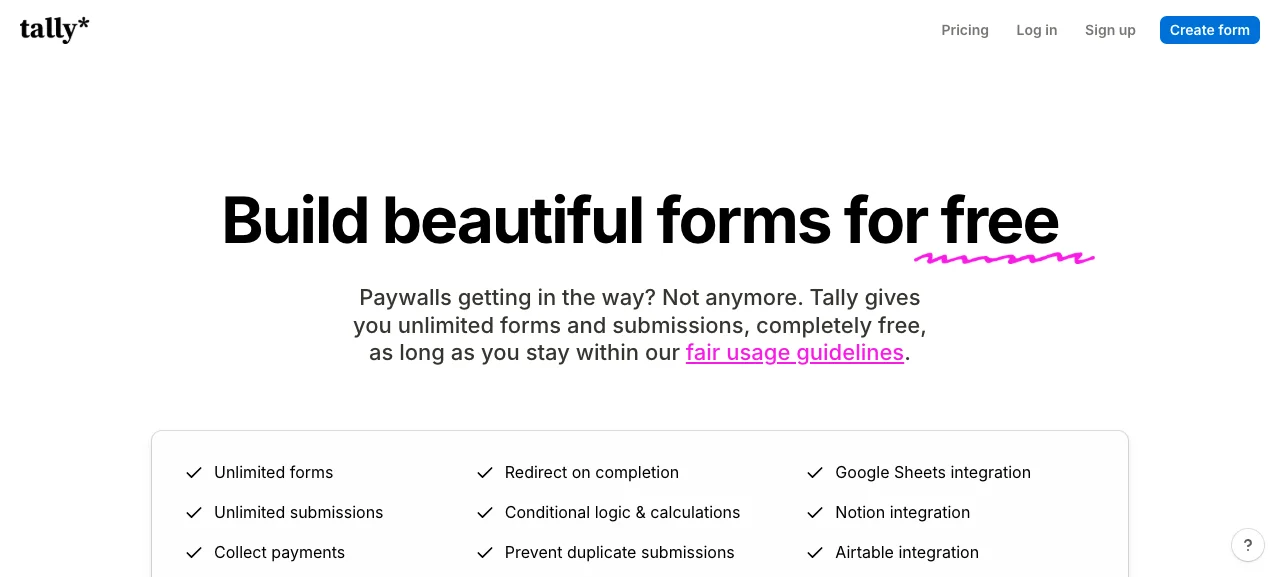
The catch sits on Tally’s Pro plan, listed at 24 USD a month. Pro is where Tally’s own branding comes off, custom domains arrive, and partial submissions get captured, the same gap Google Forms leaves open. Business, at 74 USD a month, adds data retention controls and email verification. On free, your form keeps Tally’s name on it and file uploads cap at 10 MB per file.
Best for: a pre-sale or demand test where you need a payment field and are fine with light branding until the idea proves itself.
Cognito Forms: Free Tier Sized by Entries, Not Time
Cognito Forms prices its free plan differently than most of this list. Instead of a flat “unlimited, fair use” promise, its Individual plan lists 100 entries a month at no cost, per Cognito Forms’ pricing page (fetched October 2026).
That cap is generous for a validation survey. A typical test needs 20 to 50 responses from people who match your target customer, so 100 entries a month leaves room to run more than one round before you would ever need to pay.
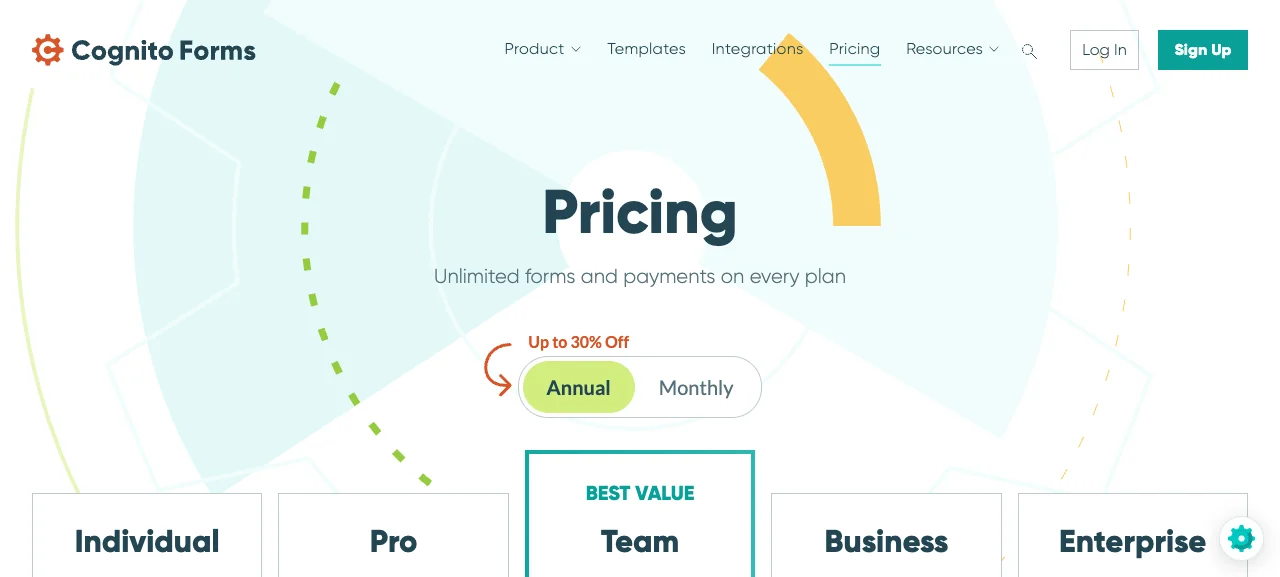
Payments and unlimited forms are included on every tier, including free, per the same page. That puts Cognito Forms ahead of Tally on one point: you do not have to upgrade to collect a payment without Cognito’s own branding sitting on the confirmation screen. The paid tiers scale by entry volume: Pro lists 24 USD a month for 2,000 entries, Team 62 USD a month for 10,000, and Business 129 USD a month for 25,000.
Best for: a founder who wants payment collection without Tally or Youform-style branding from the first response, and does not expect to blow past 100 submissions in a month.
Zoho Forms: Free Tier With Built-In Payment Collection
Zoho Forms’ free plan lists 500 submissions a month, 200 MB of file storage, and 10 payment submissions included at no cost, per Zoho Forms’ pricing page (fetched October 2026).
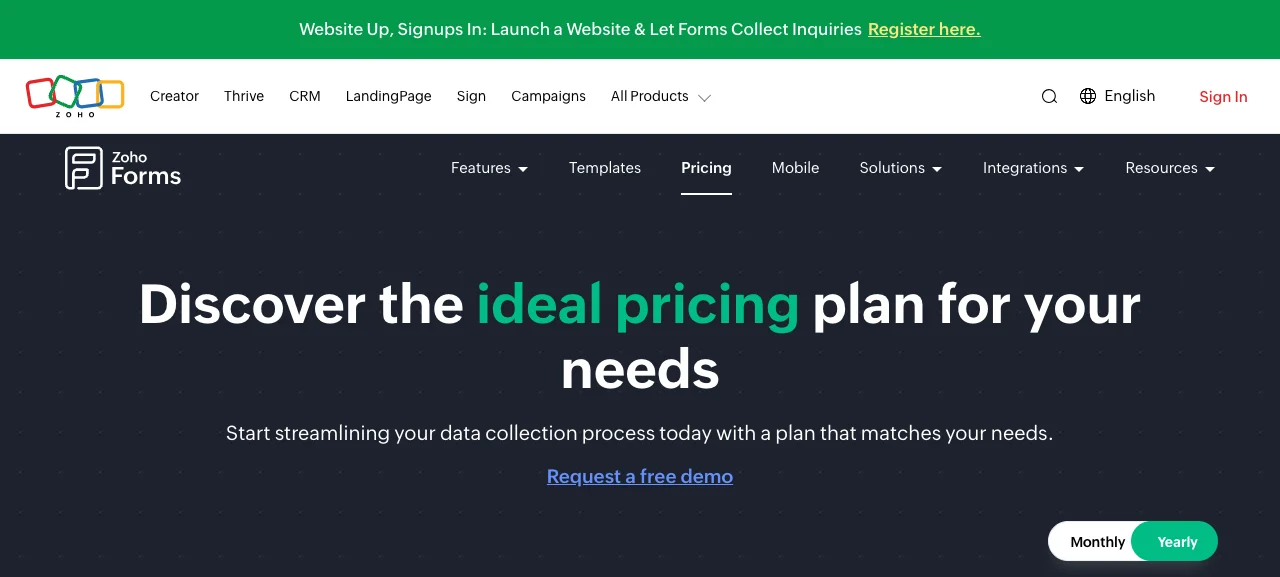
Ten free payment submissions is a meaningful number for a pre-sale test that only needs a handful of people to put money down before you treat the idea as validated. Zoho also supports more payment gateways on its free and paid tiers than most tools in this category, including PayPal, Stripe, and several region-specific processors, per the same page. Paid tiers raise the submission cap well past 500 a month, but Zoho displays pricing in your account’s local currency rather than a fixed USD rate, so confirm the number in your own currency before you commit.
Best for: a test that expects a real spread of currencies or payment methods, or a founder already inside the Zoho ecosystem.
What About Jotform and Formbricks?
Both come up constantly in “Google Forms alternative” searches, and both are worth knowing about. Jotform’s free Starter plan includes payment integrations and e-signatures but caps monthly submissions and keeps Jotform’s branding. Formbricks is open source and free to self-host with no response cap at all if you run your own server. Our Typeform alternatives guide covers both in more depth, including Jotform’s paid tier pricing.
Pros and Cons of Leaving Google Forms for a Validation Test
What you gain:
- A payment field. Tally, Cognito Forms, and Zoho Forms all support collecting money through the form itself, something Google Forms cannot do natively.
- Partial-response visibility on at least one plan. Tally’s Pro tier captures who quit and where, a blind spot Google Forms never fills at any price.
- Real design control. All three tools let you move past a form that visibly announces itself as a Google product, without paying for a design agency.
What you give up:
- A learning curve. Google Forms needs zero explanation. Tally, Cognito Forms, and Zoho Forms each add a short setup period the first time you build in them.
- Free-tier branding. Tally and Zoho both leave their own name on your form until you upgrade. Cognito Forms shows results only up to 100 entries before its usage-based pricing kicks in.
- One more login. Google Forms lives inside an account you likely already have. Every alternative here is a new signup, a small but real piece of friction on a day when you are trying to move fast.

Already sure your idea needs testing, but not sure the idea itself is worth pursuing? Run it through the idea validation scorecard first. Ten questions, about 15 minutes, a clear go, wait, or kill read before you build a single form.
Which Free Google Forms Alternative Should You Use?
Use Tally if your test ends in a pre-sale and you are comfortable with light branding until the idea proves itself. Its unlimited free submissions make it the default for a first validation round.
Use Cognito Forms if you want payment collection without any vendor branding on the confirmation screen, and you expect fewer than 100 responses in a typical month.
Use Zoho Forms if your audience spans multiple countries or payment methods, or you already run other Zoho tools.
Stay on Google Forms if your test is a simple opinion survey with no payment and no branding requirement. It remains the fastest tool to open and the one with zero setup.
A tool only tells you whether people answered. It does not tell you whether they would pay. Pair whichever form you build with a handful of real conversations, using our customer interview scripts, before you read the results as a green light.
Frequently Asked Questions
Is there a truly free alternative to Google Forms?
Yes. Tally lists unlimited forms and submissions on its free plan within fair-use guidelines, per Tally’s pricing page. Cognito Forms includes 100 free entries a month, and Zoho Forms includes 500. Each holds some features back for paid tiers, so match the cap to your expected response volume.
Can Google Forms collect payments?
No. Google Forms has no built-in payment field, based on Google’s own support documentation for form question types. If your validation test needs to charge a card or collect a deposit, use a tool like Tally, Cognito Forms, or Zoho Forms, which all include payment collection on their free plans.
What does Google Forms lack compared to paid or free alternatives?
Google Forms cannot capture partial responses, has no native payment field, and carries limited design control. Tools like Tally add partial-response tracking on a paid tier, while Cognito Forms and Zoho Forms include payment collection on their free tiers, according to each tool’s own pricing page.
Which free tool has no response cap at all?
Tally’s free plan lists unlimited forms and unlimited submissions, subject to its fair usage guidelines, per Tally’s pricing page fetched October 2026. Cognito Forms and Zoho Forms both cap free usage by entry count instead, at 100 and 500 a month respectively.
Do free form builders put their own branding on my survey?
Often, yes. Tally and Zoho Forms both leave their name on the form until you upgrade to a paid plan. Cognito Forms does not add its own branding at any tier, but its free plan is capped at 100 entries a month instead.
Keep Reading
What to Do Next
Choose the path that fits where you are right now.
Get the 7-Day Idea Test (Free)
Download the free 7-Day Idea Test. One task per day. Four evidence signals. One clear go, wait, or kill result — before you spend months building the wrong thing.
Send Me the PlaybookStart Reading
Read the step-by-step setup guide for your platform.